Beta testers
Join the beta
Thanks for helping us test Drive Culture. It’s free and takes a couple of minutes. Then take it on your next drive and tell us what you think.
iPhone
- Install TestFlightApple’s free app for trying apps before they’re in the App Store.
Get TestFlight - Open our inviteOn your iPhone, open the link, tap Accept, then Install.
Open the TestFlight invite - Create your accountTap Continue with Apple, Continue with Google, or use your email.
Does TestFlight say the beta isn’t open yet or is full? Email us with your Apple ID email and we’ll invite you.
Android
Android testing opens in the next few days. Join the group now and you’ll be able to install it as soon as it does.
- Join the tester groupUse the Google account you use for Google Play, then tap Join group.
Join the group - Opt in to the testSame Google account. Tap Become a tester.
Become a tester - Install from Google PlayIt can take a few minutes after you opt in to show up.
Open Google Play
Installed Drive Culture from a download link before? Uninstall that one first. Your account and drives are saved online, so just sign in again.
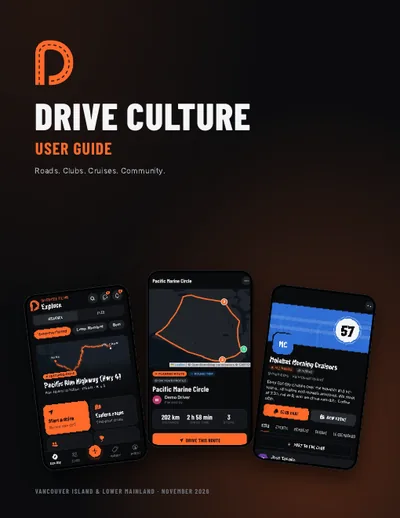
User guide
The Drive Culture user guide
Everything from setting up your account and recording your first drive to planning routes, hosting a cruise and the live map. 24 pages, PDF, 3.8 MB.
What to try
- Record a drive, even a short one, and look at the summary
- Plan a route with a few stops and share it
- Join a club, RSVP to an event and check in when you get there
- Add your car to your garage and post a photo
- Try the live map on a cruise with friends
Tell us what you think
- iPhone: take a screenshot in the app and tap Share Beta Feedback, or open TestFlight and tap Send Beta Feedback.
- Anyone: email hello@drivecultureapp.com. Screenshots help a lot.
- Updates: when the app says A new version is ready, tap Restart. Bigger updates come through TestFlight or Google Play.